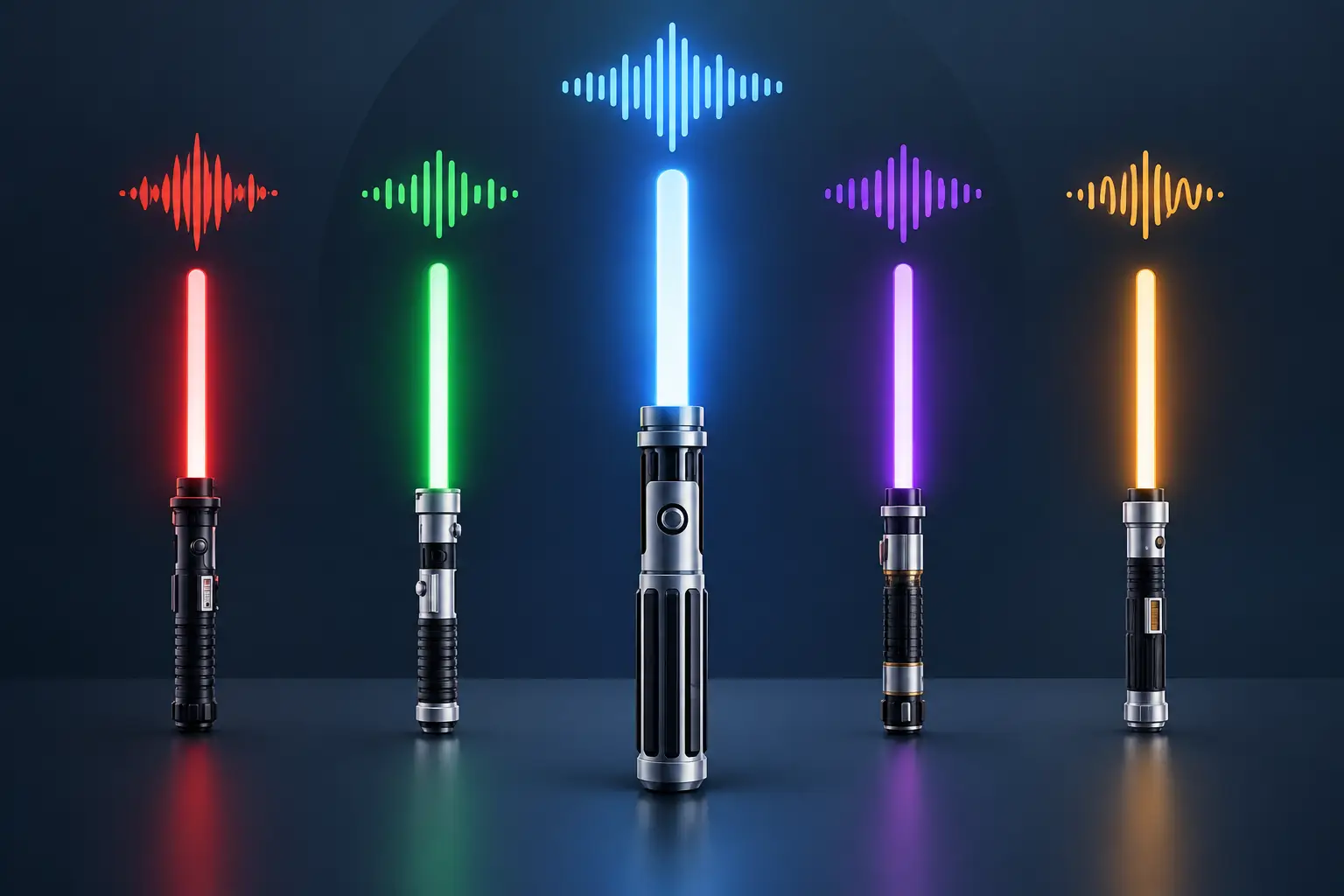
A saber can look battle-ready on a display stand, but the moment it powers on, the sound tells the real story. Saber soundfonts give your hilt its voice: the ignition that builds anticipation, the hum that fills the room, and the clash that makes every swing feel more convincing. For collectors, cosplayers, and duelists, the right font is not a minor setting. It is a major part of the experience.
What Are Saber Soundfonts?
A soundfont is a coordinated set of audio files programmed into a saber soundboard. Rather than one generic hum and a single clash effect, a quality font can include an ignition, retraction, idle hum, swings, clashes, blaster blocks, lockup sounds, force effects, and menu prompts. Some advanced setups also respond to movement, changing the sound as you rotate, swing, or strike the saber.
Think of it as the personality built into the electronics. A calm, bright Jedi-style soundfont may use a clean ignition and a smooth, steady hum. A Sith-inspired font may feel harsher, deeper, and more aggressive, with a rougher startup and heavier clash effects. A Grey Jedi build can land somewhere between those styles, giving you a sound profile that feels balanced without being bland.
The difference is especially noticeable when you own more than one saber. Two hilts with similar blade colors can feel completely distinct when one has a noble, controlled sound and the other has a volatile, battle-worn voice.
Why the Right Soundfont Matters
Sound is what turns a lit blade into an immersive prop. During cosplay, it helps you stay in character without saying a word. On display, a carefully selected ignition makes picking up your saber feel like an occasion. During light training or recreational dueling, responsive swings and impact effects provide satisfying feedback that a basic toy-style speaker simply cannot match.
That does not mean the loudest or most complicated font is automatically best. A highly layered soundfont can be exciting in a quiet room, but it may be harder to hear clearly at a busy convention or outdoor event. Likewise, a deep bass-heavy font can sound impressive through a strong speaker, yet lose detail on a smaller setup.
Your use case should lead the choice. A first-time Padawan may prefer a clear, classic sound profile that is easy to recognize and operate. A collector building a character-inspired display may want something more specific and cinematic. A duelist may prioritize crisp motion response and clash sounds over extended voice lines or dramatic effects.
The Sounds You Will Usually Hear
Most saber soundfonts are made from several sound categories working together. Ignition and retraction effects handle the blade powering on and off. The hum is the ongoing sound you hear while the saber is active. Swing files react to motion, while clash files play when the blade contacts another object.
Many fonts add blaster deflection effects, lockup sounds for sustained blade contact, and special ability effects triggered by button combinations. Advanced boards may also support drag effects, where the sound changes as the blade tip moves along the floor, plus melt effects that mimic cutting into a surface.
A font feels polished when these elements belong together. Randomly pairing a soft hum with an oversized, explosive clash can make the saber feel disjointed. Good sound design creates a consistent mood from ignition to shutdown.
Check Your Soundboard Before Choosing Saber Soundfonts
The most important rule is simple: not every soundfont works with every saber. Compatibility depends on the soundboard inside your hilt, the file format it accepts, and how its folders are organized.
Some entry-level sabers use preset sound banks that let you cycle through included profiles but do not support custom file installation. These are excellent for younger fans, gifts, and buyers who want an easy out-of-the-box experience. They trade deep customization for straightforward operation.
More advanced soundboards can support multiple installed fonts and, in some cases, detailed configuration changes. Depending on the board, adding a font may involve loading files onto a microSD card, naming folders precisely, updating a configuration file, or setting blade effects that match each profile. That flexibility is rewarding, but it requires patience and careful handling.
Before downloading or purchasing any custom audio package, identify your board model. Check whether the font was made for that board, whether it requires a particular software version, and whether the package includes the needed files. If the seller describes a font only by its theme and not its compatibility, pause before buying.
It is also wise to save a backup of your original microSD card before changing anything. A simple copy stored on a computer can save a lot of frustration if a file is deleted, renamed, or placed in the wrong folder.
Speaker Quality Shapes the Result
A soundfont can only sound as good as the speaker and electronics behind it. Premium audio files played through a weak, damaged, or poorly fitted speaker may come across as thin, distorted, or unusually quiet. That is not always a problem with the font itself.
Volume also has limits. Turning every setting to maximum can cause distortion and may put extra strain on the speaker. For display and indoor use, a moderate volume often gives you cleaner audio. For cosplay or group events, a louder profile may be more practical, but test it first rather than judging the sound from a product description alone.
How to Choose a Soundfont That Fits Your Style
Start with the feeling you want when the saber activates. If you want a traditional hero weapon, choose a clean, recognizable Jedi-style profile with a stable hum and bright ignition. If you prefer a darker hilt, look for a Sith-inspired sound that has more growl, weight, or instability. If your collection is built around an original character, you have room to create something that feels entirely your own.
Blade color can influence the choice, but it does not have to control it. A blue or green blade often pairs naturally with classic heroic tones, while red can suit more aggressive audio. Still, unexpected combinations can be memorable. A red blade with a controlled, quiet font can feel more intimidating than one that is constantly roaring. A purple or white blade can work especially well with a balanced Grey Jedi sound profile.
Consider where you will use the saber, too. A display piece can benefit from dramatic boot sounds, voice clips, and longer ignition sequences. A dueling saber is usually better with immediate ignition, clear swings, and impact sounds that do not overwhelm the action. For a young fan, simple controls and dependable basic sounds are often more valuable than a huge library of options.
Avoid choosing only by a short demo video. Audio recordings vary by microphone, room size, speaker volume, and editing. Listen for the overall character of the hum, how naturally the swings transition, and whether the clash sounds fit the tone you want.
Installing Custom Fonts Without Creating a Headache
If your saber supports customization, read the board instructions before moving files. Turn the saber off, remove the battery only if the manufacturer directs you to do so, and use a reliable card reader. Copy the original card contents to a backup folder before adding anything new.
Follow the required folder names and file naming conventions exactly. A soundboard may ignore a file because of one missing character, a different capitalization style, or an unsupported audio format. Do not mix files from different font packages unless you understand how your board calls each sound category.
Once installed, test the font before reassembling everything for an event or a duel. Check ignition, retraction, swings, clashes, blaster blocks, and any special effects your board supports. If the saber behaves strangely, return to your backup files rather than guessing your way through multiple changes at once.
Custom fonts should also be obtained and used responsibly. Respect the creator's licensing terms, and avoid sharing paid packages without permission. Great sound designers put real creative work into the effects that make a saber feel alive.
Build a Collection, Not Just a Menu
You do not need twenty soundfonts to enjoy a customizable saber. Three or four well-chosen profiles can cover most moods: a classic Jedi option, a darker Sith-style choice, a balanced Grey Jedi sound, and one personalized wildcard for cosplay or display.
That approach makes each selection meaningful and keeps your menu easy to navigate. It also gives you time to learn what you genuinely enjoy. Some fans love unstable, aggressive audio; others find a smooth, classic hum more satisfying after the novelty wears off.
At SaberBros, the goal is not to bury you in options. It is to help you choose a saber experience that feels right in your hands, whether you are taking your first steps as a Youngling, building a cosplay loadout, or adding another hilt to a serious collection.
The best soundfont is the one that makes you reach for your saber again. Choose a voice that fits your character, treat your electronics with care, and let every ignition feel like the beginning of your own story.