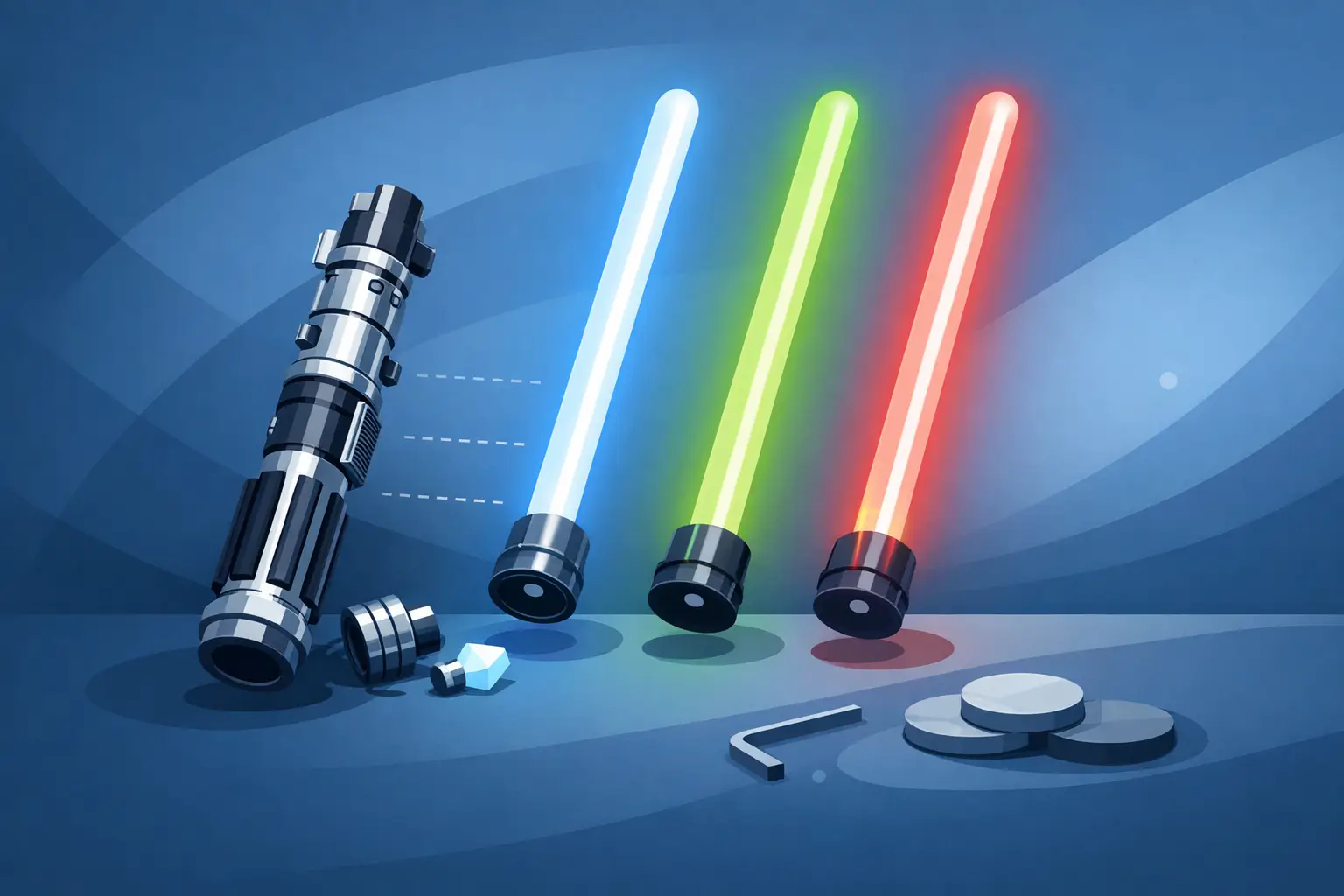
A damaged blade can take a favorite saber out of rotation fast. Whether your blade has developed a crack, loose LED strip, dim spots, or simply carries too many marks from training, a lightsaber blade replacement is usually straightforward - provided you match the new blade to your hilt and how you plan to use it.
The right choice is not always the brightest or longest option. A display-ready pixel blade, for example, delivers incredible ignition effects but is not the same kind of tool as a heavy-duty baselit blade built for regular contact. Start with compatibility, then choose the blade that fits your Jedi, Grey Jedi, or Sith mission.
Start With Your Saber’s Blade System
Before ordering anything, identify whether your hilt uses a baselit system or a pixel blade system. This is the most important part of lightsaber blade replacement because the two are not interchangeable.
A baselit saber has its main LED light source inside the emitter of the hilt. The blade itself is a hollow, translucent tube that carries and diffuses that light. These blades are generally simpler, lighter, and better suited to recreational dueling because there are no internal electronics running through the blade.
A pixel blade, often called a neopixel blade, contains a strip of LEDs inside the blade. It connects to pins in the hilt, allowing for scrolling ignition, blaster effects, unstable blade styles, and a brighter, more even appearance. That visual payoff comes with a trade-off: pixel blades need more care, cost more to replace, and are not the first choice for repeated hard impacts.
If you are unsure which system you own, remove the blade and look inside the emitter. A baselit hilt typically has a single LED module at the bottom. A pixel hilt has a pin connector that touches the electronics in the blade. Never force a blade into a connector that does not match it.
Lightsaber Blade Replacement Starts With Measurements
Blade diameter and blade length determine whether the replacement will fit, feel balanced, and look right in your hilt. Check your existing blade before ordering rather than guessing from photos.
Most full-size sabers use a 1-inch outside diameter blade. Some hilts, especially slimmer or more screen-inspired designs, use a 7/8-inch blade. A 1-inch blade will not fit a 7/8-inch emitter, while a 7/8-inch blade may sit loosely in a 1-inch emitter even if the retention screw seems to hold it. A loose blade can wobble, scratch the inside of the emitter, and become unsafe during movement.
Length is a personal decision, but it should match your space and your intended use. A 36-inch blade creates the classic full-length look and gives adult duelists useful reach. A 32-inch blade is easier to control in tighter rooms and works well for many younger users, cosplay kits, and one-handed hilts. Shorter blades are practical for shoto-style setups, compact character designs, and off-hand use.
Also measure how far the blade seats inside the emitter. A blade that appears to be the correct overall length can still sit too high if its installation depth differs from your old blade. The retention screw should press against a solid section of the blade near the base, not a connector, LED strip, or decorative plug.
Check the Connector Before You Buy
For pixel blades, connector type matters as much as diameter. Count the pins in your hilt and confirm the connector arrangement. Some models use a standard multi-pin connector, while others use different layouts or proprietary arrangements. The blade must match the hilt’s pin count and design.
Inspect the pins while the saber is powered off. Bent, recessed, or dirty pins can cause flickering, missing colors, or no ignition at all. A replacement blade cannot solve a problem caused by a damaged hilt-side connector. If the pins look uneven or the blade only lights when held at a certain angle, pause before installing anything and contact support for guidance.
Choose a Blade for Display, Cosplay, or Dueling
The best replacement blade depends on what your saber actually does in your life. A collector displaying a Sith hilt on a wall has different needs than a Padawan practicing footwork in the garage.
For display and cosplay, a pixel blade is hard to beat. Its light output, smooth illumination, and animated effects make costume photos and dark-room displays feel cinematic. Choose a blade length that suits the character inspiration and keeps your costume comfortable at conventions. Carrying a 36-inch blade through crowded aisles can be less practical than it sounds.
For light choreographed contact, either system can work when used carefully and within the blade’s stated limits. Keep strikes controlled, avoid sharp edge-on impacts, and inspect the blade after a session. Choreography looks better when it is clean and deliberate anyway.
For frequent recreational dueling, a baselit blade is often the sensible choice. It is designed around a simpler construction, and replacing the tube is less painful if a training session leaves a mark. A heavier wall blade can add confidence for contact, although it may make the saber more front-heavy and less comfortable for long sessions.
Parents shopping for a Youngling or first Padawan saber should prioritize fit and control over maximum features. A shorter, durable blade makes it easier to learn safe spacing, basic forms, and responsible handling. The flashiest setup is not always the one that gets used most.
How to Install a Replacement Blade Safely
Installation should take only a few minutes, but slow down around electronics. Turn the saber off first. If your hilt has a removable battery, removing it adds another layer of protection before working around a pixel connector.
Loosen the retention screw or screws just enough to remove the old blade. Do not fully remove tiny screws unless the hilt requires it - they are easy to lose. Pull the blade straight out rather than twisting aggressively, especially with a pixel blade.
Slide the replacement blade straight into the emitter. With a pixel model, align it carefully so the connector meets the pins without pressure or scraping. Once the blade is fully seated, tighten the retention screw until it is secure. It should hold the blade firmly without crushing the tube. Over-tightening can dent a blade, strip a screw, or damage internal components.
Power the saber on and test the blade before heading into a duel or event. Cycle through colors and effects, check for flickering, and gently move the saber to make sure the blade remains stable. For pixel systems, test the blade while it is fully seated. Partial connection can create unreliable lighting and may stress the connector.
Know When a Blade Needs Replacing
Not every scuff means the blade is done. Light surface marks are normal on a saber used for training, and they rarely affect the way a baselit blade illuminates. Small cosmetic wear can be part of the story your saber earns over time.
Replace the blade when you see a crack, deep split, severe bend, loose tip, or a base that no longer locks securely into the hilt. For pixel blades, dead sections, persistent flickering after connector cleaning, exposed internal strips, or rattling parts are stronger signs that it is time for a new blade.
A blade that has become unsafe should not be taped up and returned to contact use. Tape can hide a crack but cannot restore the tube’s strength. Retire it from dueling and, if it is still stable, consider using it only for a low-stress display setup.
Keep Your New Blade in Fighting Shape
A little care extends the life of any blade. Wipe fingerprints and dust away with a soft microfiber cloth. Avoid harsh cleaners, abrasive pads, and solvents that can cloud the diffusion material. Store the saber away from high heat, direct sunlight, and places where the blade can be bent under its own weight.
After dueling, inspect the tip, the section near the retention screw, and the blade base. Those areas take the most stress. If you use a pixel blade, keep the connector clean and avoid setting the exposed blade end on dirty surfaces when it is removed from the hilt.
When replacing a component on a premium saber, confidence matters as much as compatibility. SaberBros focuses on helping fans choose parts that fit their setup, with real support available when a measurement or connector question is not clear. The goal is simple: get your saber back in your hands, glowing the way it should, and ready for its next story.