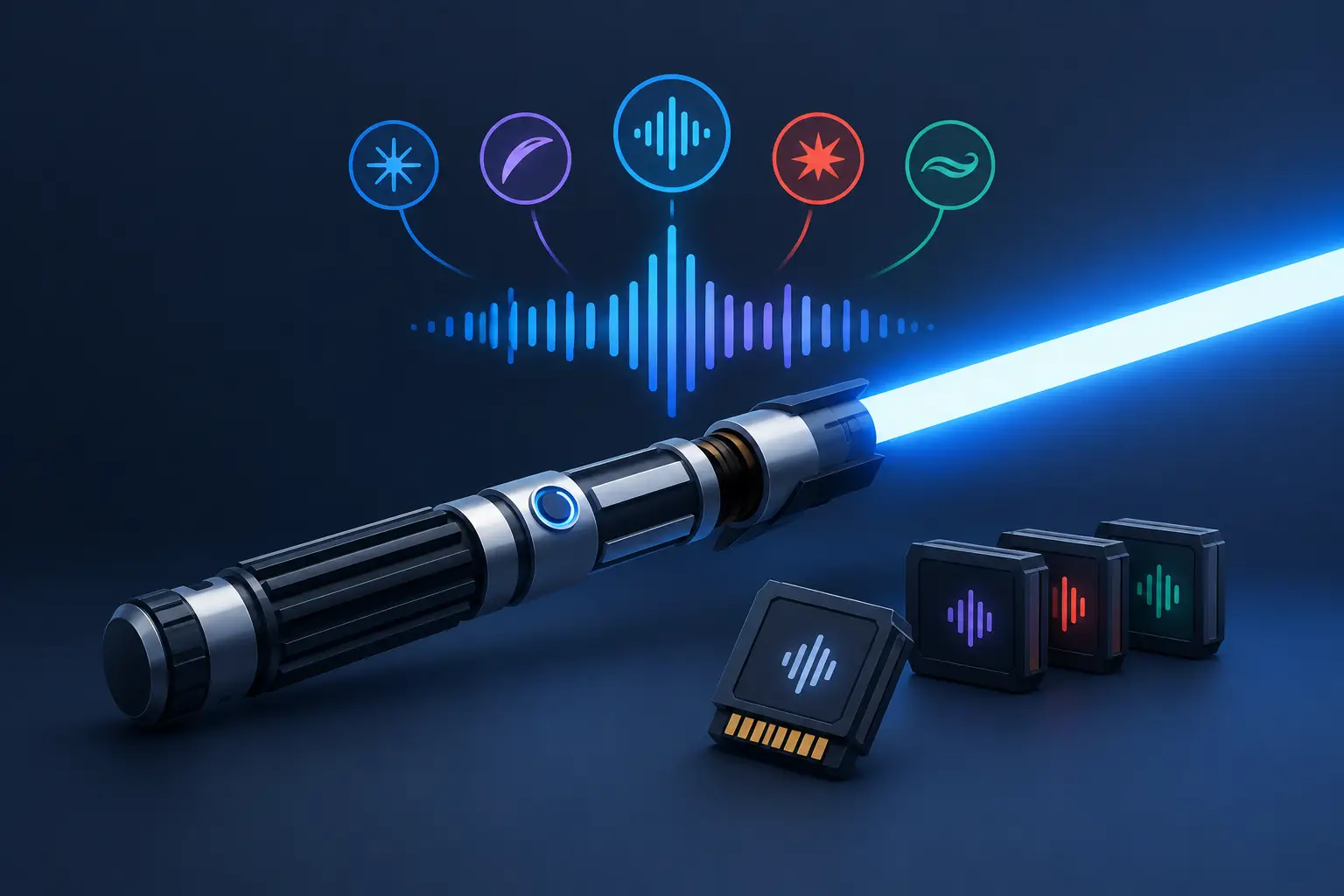
A saber can have a beautiful hilt, a bright blade, and a perfect belt clip, but if the ignition sounds flat or the swings do not react, the illusion breaks fast. Lightsaber soundcards are the component that turns a prop into an experience, controlling the hum, clash effects, motion response, blade behavior, and often the settings you use every time you power up.
For a first-time Padawan, a simple board with dependable sound and easy controls may be exactly right. For a collector building a screen-inspired display piece, or a Sith who wants every fast swing to growl back, the soundcard becomes a much bigger part of the decision. The best choice is not always the board with the longest feature list. It is the one that matches how you actually plan to use your saber.
What Lightsaber Soundcards Actually Control
A lightsaber soundcard is the electronic brain inside the hilt. It reads inputs from the power button, motion sensors, blade connection, and speaker, then tells the saber how to respond. When you ignite the blade, hear a blaster deflect, twist the hilt, or make contact during a choreographed fight, the soundcard is behind it.
Most modern boards manage several core functions: ignition and retraction sounds, an idle hum, swing sounds, clash effects, blaster blocks, lockup effects, volume, and multiple sound fonts. More advanced boards can also create smooth swing audio, where the pitch and intensity change naturally as the saber moves. Some support gesture controls, music playback, configurable blade effects, and detailed customization through files or onboard menus.
The soundcard and the blade work together, but they are not the same upgrade. A brighter blade changes what you see. A better board changes how the saber feels in your hand. If you are trying to build a more immersive saber, that distinction matters.
Basic and Advanced Soundcards: What Changes?
The biggest difference is usually responsiveness. Entry-level soundboards commonly provide a set group of sounds and effects with straightforward operation. They are a strong fit for Youngling gifts, casual cosplay, display sabers, and anyone who wants to charge, ignite, and enjoy the moment without adjusting settings.
Advanced boards add more layers. Smooth swing technology responds to motion in real time, so a slow turn sounds different from a quick strike. Better motion sensing can make clashes and swings feel more deliberate rather than random. Advanced boards also tend to offer more sound fonts, color profiles, blade effects, and configuration options.
That extra capability comes with trade-offs. More features can mean more menu navigation, more files to manage, and a higher price. A highly customizable board is exciting for an experienced builder, but it can be overkill for a parent buying a first saber for a younger fan. There is no shame in choosing the board that is easier to use.
Smooth Swing Is More Than a Nice Effect
If you have watched a video of a saber that seems to change tone as it cuts through the air, you have heard smooth swing. Instead of playing a single generic whoosh when the hilt moves, smooth swing blends audio based on your speed and direction.
For cosplay and collecting, it creates a more cinematic presence. For choreography, it makes each movement feel connected to the sound. For hard dueling, it is still enjoyable, but it should not be the only feature you consider. Hilt construction, blade type, retention screws, battery quality, and your willingness to maintain the saber all matter just as much.
Choose a Soundcard for How You Use Your Saber
A clear use case makes shopping easier than chasing technical terms. Start with the role your saber will play most often.
For Younglings, Padawans, and Gifts
Prioritize simple controls, reliable charging, a clear ignition sound, and enough effects to keep the saber fun. A board with a manageable selection of fonts and colors gives a new owner variety without turning setup into a project. For younger users, adults should also make sure the saber and blade are appropriate for the intended level of play.
For Collectors and Display Builds
Collectors may care most about accurate audio character, a clean ignition, and the ability to pair a sound profile with a particular hilt or blade color. A premium soundcard can bring a character-inspired build to life, especially when the hum, unstable blade effect, or color profile fits the personality of the saber.
If the saber will spend most of its time on a stand, you may not need every gesture control or advanced motion setting. Put your budget toward the hilt details and sound quality you will notice most.
For Cosplay and Choreography
Smooth swing, multiple sound fonts, and quick access to volume or color settings are especially useful here. You may want a calm Jedi tone for a convention floor and a more aggressive Sith font for a staged duel later that day. Good sound response helps movement look intentional, even when the audience is several feet away.
Consider the venue, too. A loud speaker is fun outdoors, but it can become distracting in a crowded convention hall. The ability to adjust volume is more useful than simply having maximum volume.
For Recreational Dueling
Duelists should look at the whole system. A soundcard with responsive clash and swing effects adds excitement, but a board cannot make a thin display blade ready for contact. Match the electronics with a blade rated for the kind of training or sparring you plan to do.
You also need realistic expectations. Even quality electronics can be affected by hard impacts, moisture, loose connections, or an improperly seated battery. If your saber will see regular use, choose a setup that is serviceable and buy from a retailer that can answer practical questions after the sale.
Sound Fonts, Blade Effects, and Compatibility
A sound font is the collection of audio files and settings that gives a saber its personality. It may include ignition sounds, hums, swings, clashes, blaster blocks, force effects, and power-down audio. Some fonts are clean and traditional. Others are unstable, heavy, aggressive, or inspired by different eras of the galaxy.
Before buying or replacing a board, confirm what sound fonts it supports and how they are loaded. Some boards are designed for easy onboard selection. Others offer deeper editing through a memory card and configuration files. The latter gives experienced owners more control, but it also requires patience and careful file management.
Compatibility is the part many shoppers overlook. A replacement soundcard must work with the saber's battery, speaker, switch setup, blade connector, LEDs, and available space inside the hilt. Installing a board can involve soldering and wiring work. If you are not comfortable with electronics, choosing a saber that already has the features you want is often the safer route.
Questions to Ask Before You Upgrade
Before ordering a soundcard or a fully equipped saber, ask a few practical questions. Do you want a simple saber you can enjoy immediately, or do you want to edit sounds and blade behavior? Will the saber be used for display, costume events, or regular contact? Do you need a specific blade connector or battery configuration? And if something needs attention later, is real support available?
These questions prevent the most common disappointment: buying an advanced component that does not fit the hilt, the blade, or the owner's comfort level. A soundcard upgrade should make ownership more fun, not turn your weekend into a wiring problem.
At SaberBros, every saber is personally inspected before it ships, which matters when electronics, sound, charging, and blade response all need to work together. Warranty protection and direct customer service also give buyers a better path forward if they need help understanding their setup.
The right soundcard does not just make a saber louder. It gives your Jedi, Grey Jedi, or Sith build a voice that feels right the moment the blade comes to life.